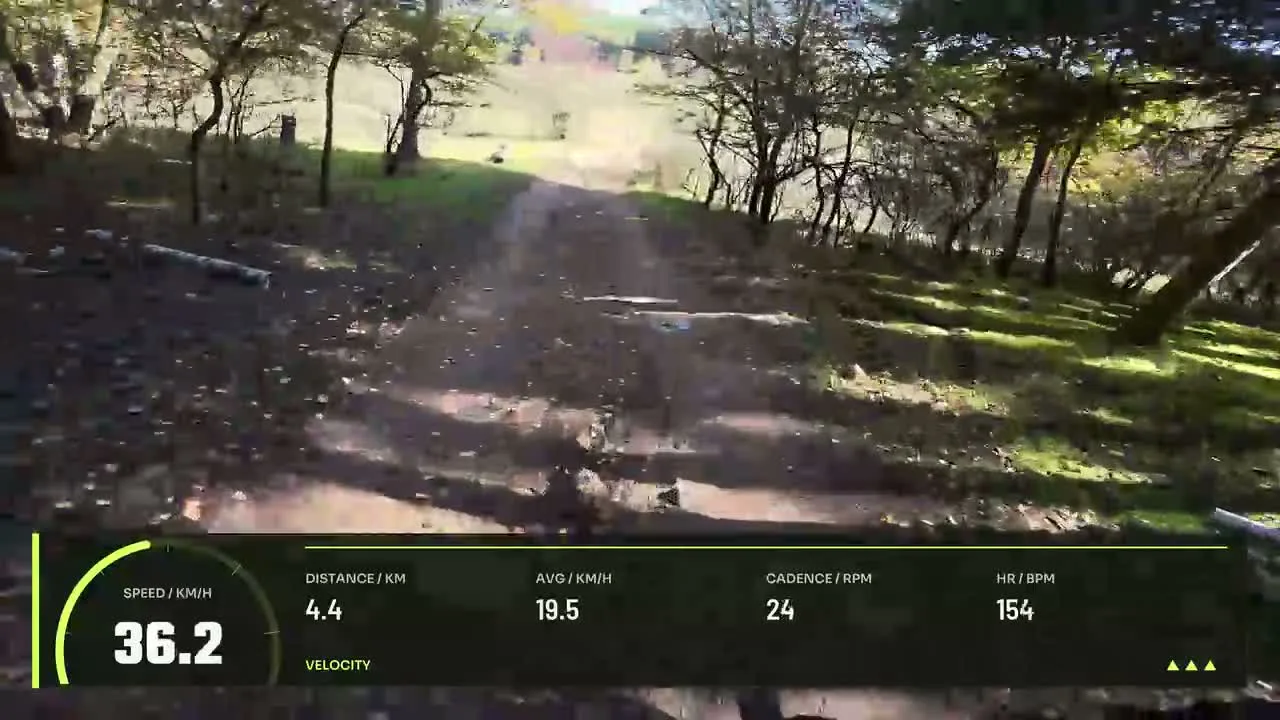
Trail Summit
By Movaro · Trail & climbing Official layout · FreeMovaro didn’t open? Get Movaro (opens in a new tab), then return here and click Install again.
Put a climb in context with elevation, ascent and gradient over your footage. Explore editable trail designs with terrain readouts and elevation profiles.
Layouts by Movaro and the community · Every layout is free to install
Movaro didn’t open? Get Movaro (opens in a new tab), then return here and click Install again.
Movaro didn’t open? Get Movaro (opens in a new tab), then return here and click Install again.
Movaro didn’t open? Get Movaro (opens in a new tab), then return here and click Install again.
Every layout is free to install. A Creator label means the design uses premium elements. The data you can show depends on what your activity recorded.
A profile shows how terrain changes across an activity, while elevation and gradient describe different aspects of the current point. These selected trail layouts include terrain elements; compare their previews to choose how much of the climb you want viewers to see.
Look at the quality of your activity recording before presenting small changes as meaningful. Match the activity timing to the footage, then choose a readable position for the profile and numbers. You can edit the installed layout to leave more room for the landscape.
Layouts grouped by activity and by what they show.
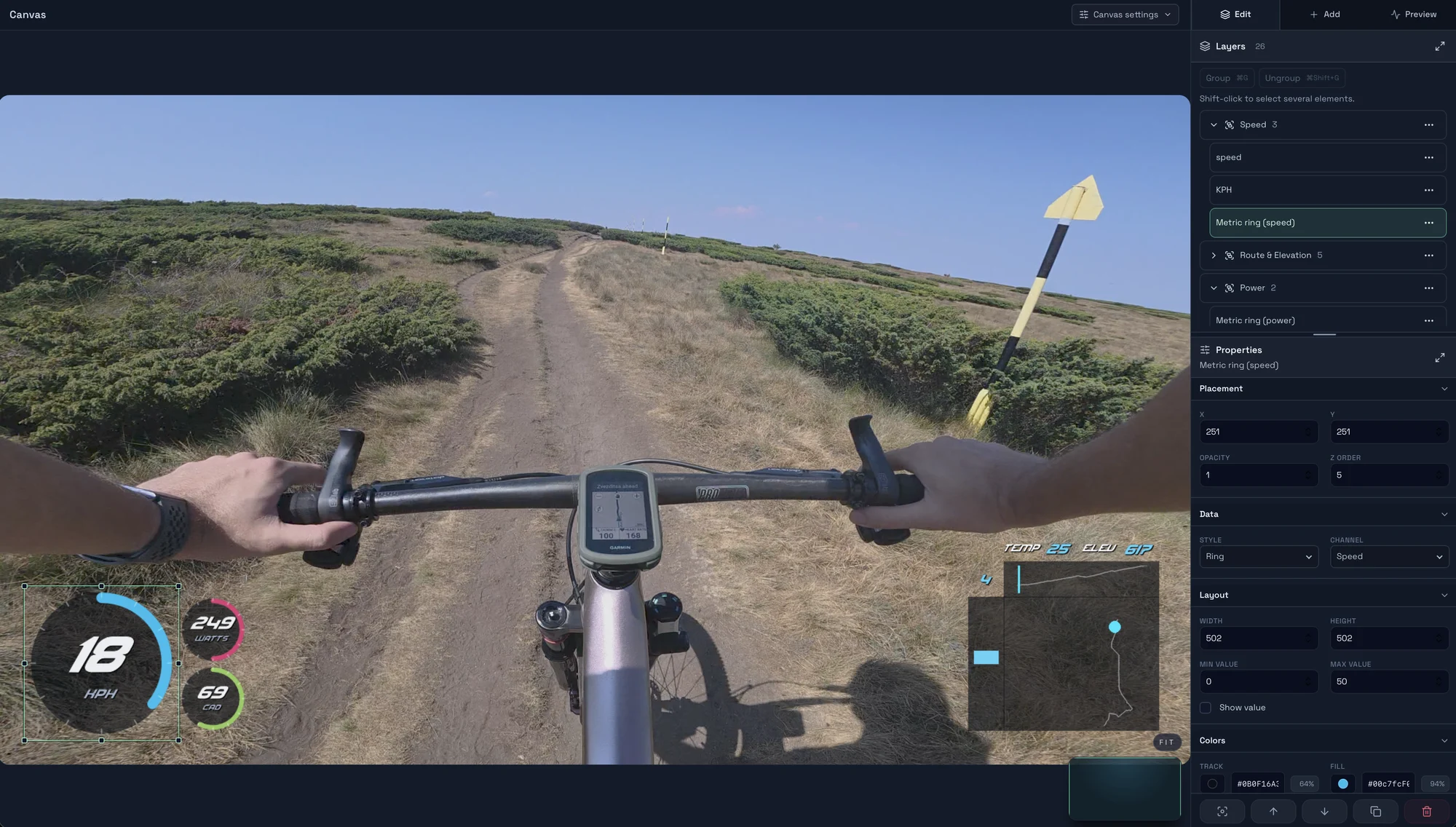
Start with a timed GPX, FIT, TCX or Strava activity, add a matching clip, check the live overlay, and export your first short video in Movaro.
Explore layouts for rides, runs and trail videos, compare formats, and turn a design you like into your own reusable overlay.
Prepare activity overlays for your video editor with live previews, transparent video, chroma-key backgrounds or a fill-and-matte pair.