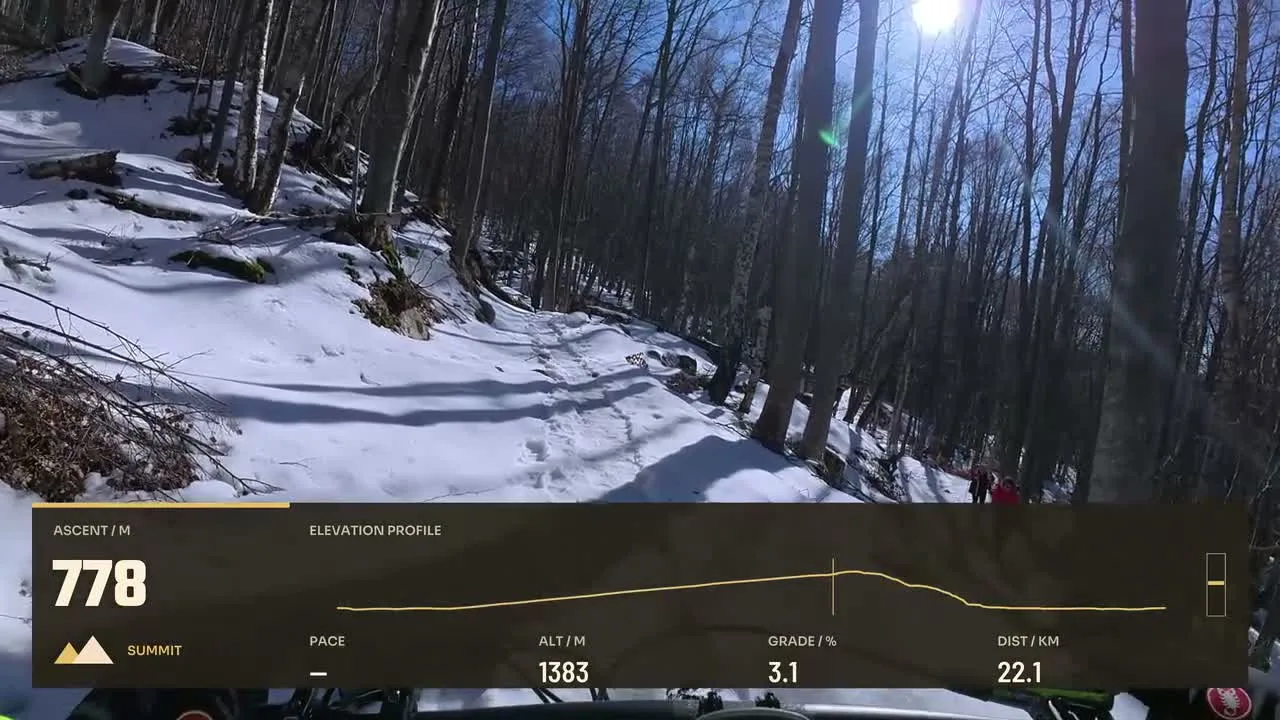
Cycling Velocity
By Movaro · Cycling Official layout · FreeMovaro didn’t open? Get Movaro (opens in a new tab), then return here and click Install again.
Make speed visible in action footage with an editable telemetry readout. Compare official designs that include a speed display, then choose how much supporting data the video needs.
Layouts by Movaro and the community · Every layout is free to install
Movaro didn’t open? Get Movaro (opens in a new tab), then return here and click Install again.
Movaro didn’t open? Get Movaro (opens in a new tab), then return here and click Install again.
Movaro didn’t open? Get Movaro (opens in a new tab), then return here and click Install again.
Every layout is free to install. A Creator label means the design uses premium elements. The data you can show depends on what your activity recorded.
A large speed readout is useful when movement is the focus of the shot. Average speed and distance can give the viewer a broader reference. These selected designs include speed, but differ in how much space they give it and what other information surrounds it.
Bring a timed activity recording into Movaro and align it with your footage before judging the result. GPS noise and timing differences can affect what the readout shows. A speed overlay is a visual layout for your data, not a measurement taken from the video pixels.
Layouts grouped by activity and by what they show.
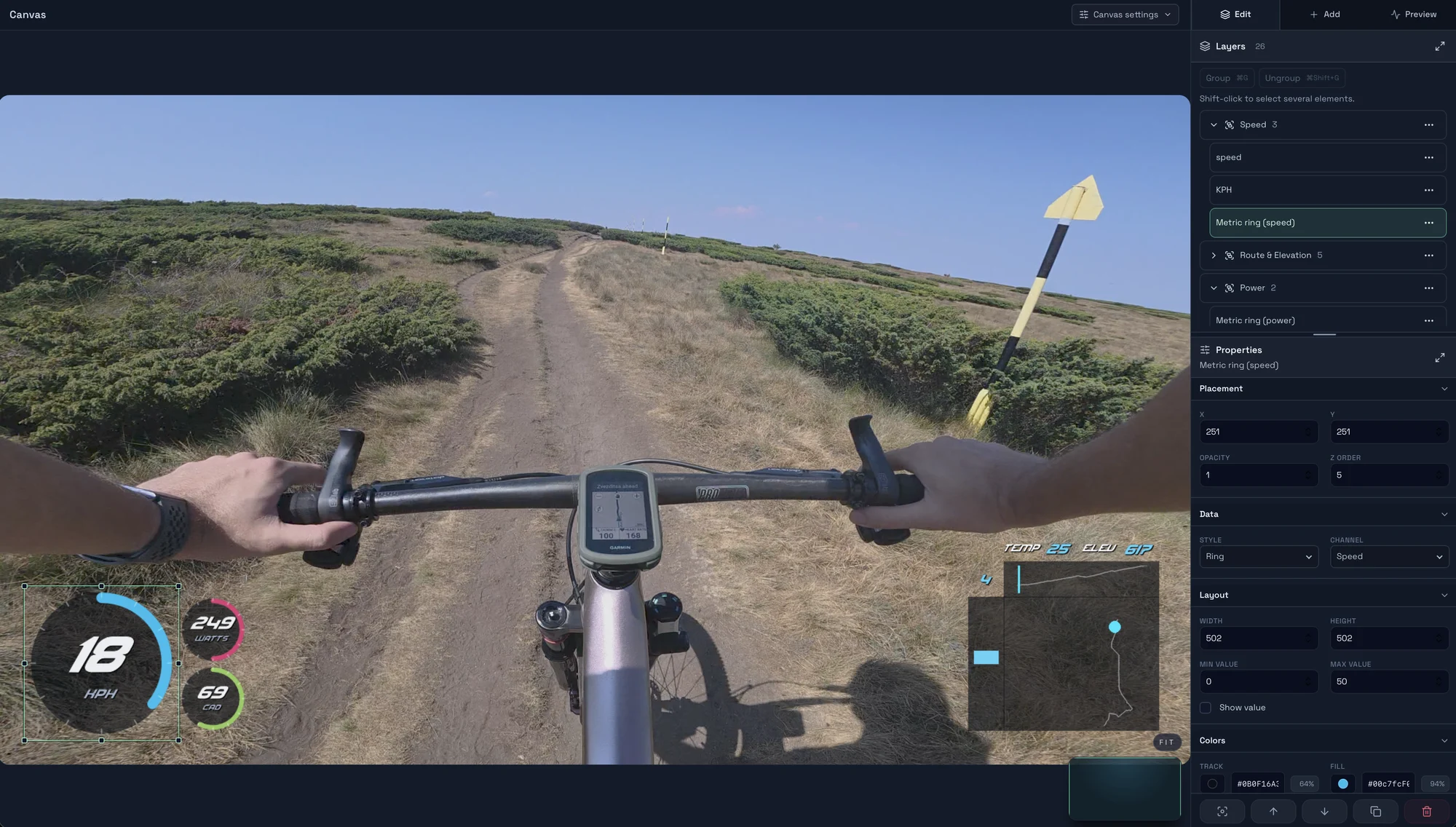
Start with a timed GPX, FIT, TCX or Strava activity, add a matching clip, check the live overlay, and export your first short video in Movaro.
Explore layouts for rides, runs and trail videos, compare formats, and turn a design you like into your own reusable overlay.
Prepare activity overlays for your video editor with live previews, transparent video, chroma-key backgrounds or a fill-and-matte pair.