Stride
By Movaro · Running Official layout · FreeMovaro didn’t open? Get Movaro (opens in a new tab), then return here and click Install again.
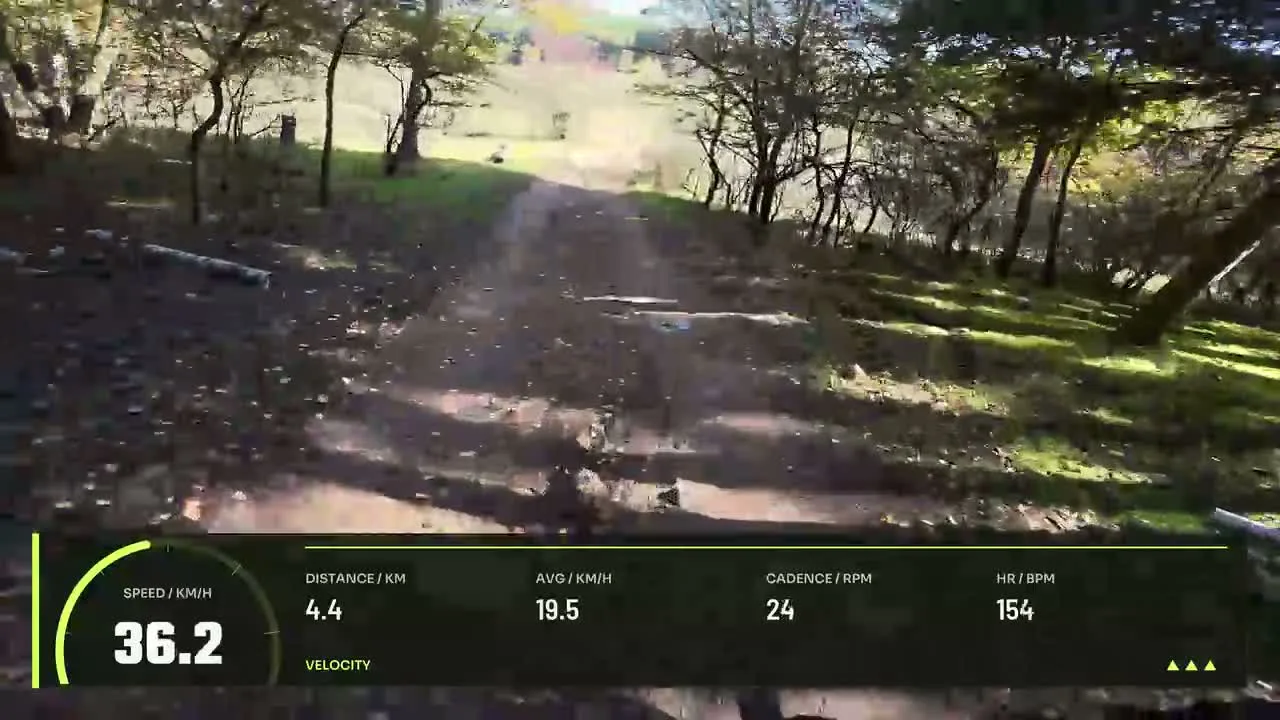
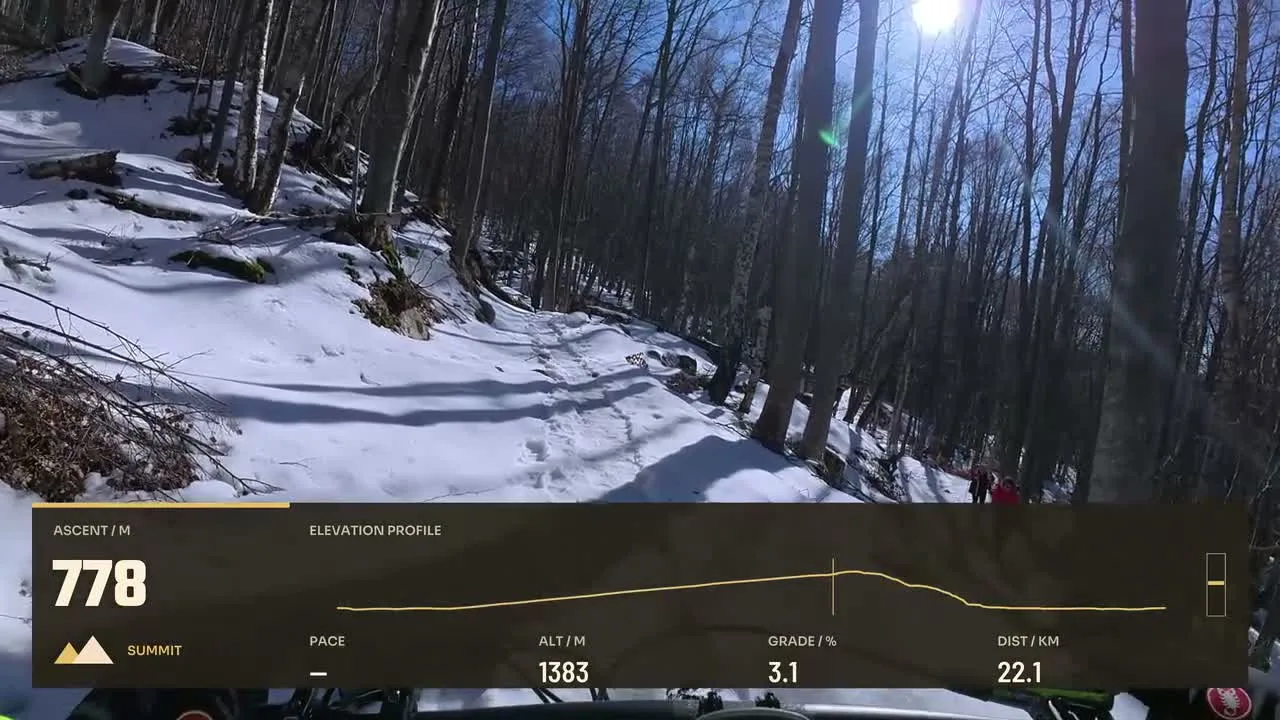
Put pace, distance and recorded effort alongside your running footage. These editable layouts range from a simple pace readout to designs that give more space to training data.
Layouts by Movaro and the community · Every layout is free to install
Movaro didn’t open? Get Movaro (opens in a new tab), then return here and click Install again.
Movaro didn’t open? Get Movaro (opens in a new tab), then return here and click Install again.
Movaro didn’t open? Get Movaro (opens in a new tab), then return here and click Install again.
Movaro didn’t open? Get Movaro (opens in a new tab), then return here and click Install again.
Movaro didn’t open? Get Movaro (opens in a new tab), then return here and click Install again.
Every layout is free to install. A Creator label means the design uses premium elements. The data you can show depends on what your activity recorded.
A prominent pace readout helps viewers connect changes in effort with the footage. Distance and average pace add context across a longer session. If your activity includes heart rate or cadence, a more detailed layout can help explain the effort behind a climb or a fast section.
Match the layout format to your final video and check the preview at the size people will watch. Leave room for the runner and the path ahead. The overlay displays recorded data; it cannot recover a metric that was not recorded.
Layouts grouped by activity and by what they show.
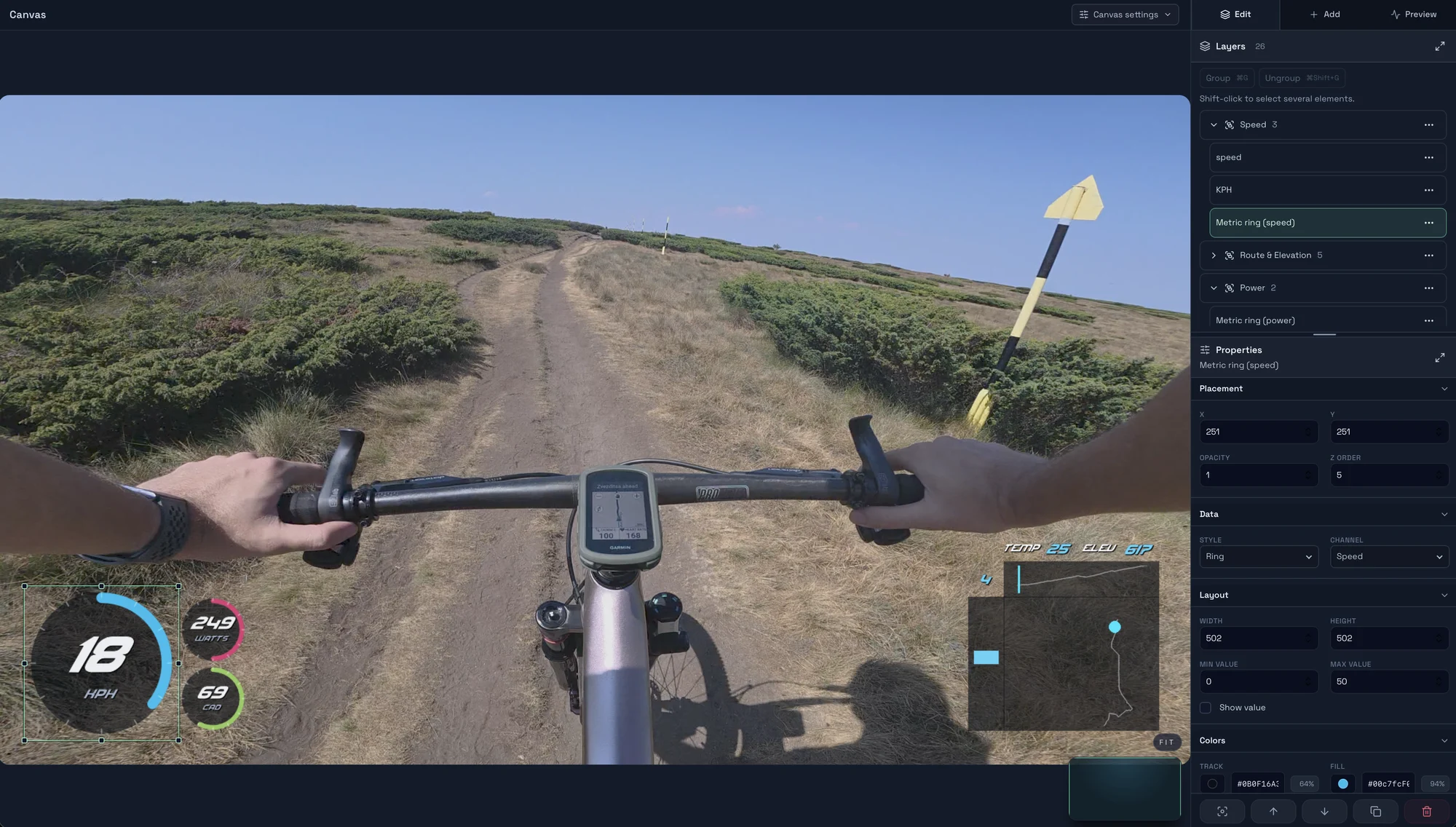
Start with a timed GPX, FIT, TCX or Strava activity, add a matching clip, check the live overlay, and export your first short video in Movaro.
Explore layouts for rides, runs and trail videos, compare formats, and turn a design you like into your own reusable overlay.
Prepare activity overlays for your video editor with live previews, transparent video, chroma-key backgrounds or a fill-and-matte pair.