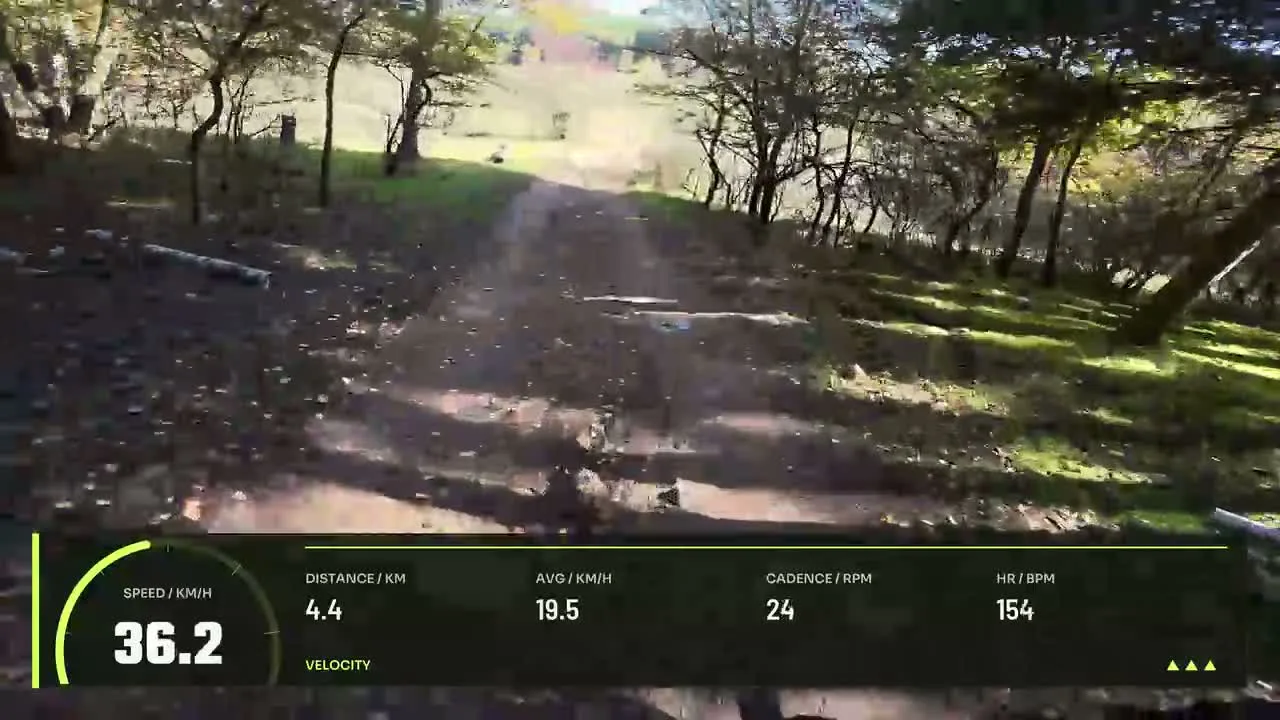
Cycling Routecast
By Movaro · Cycling Official layout · Creator planMovaro didn’t open? Get Movaro (opens in a new tab), then return here and click Install again.
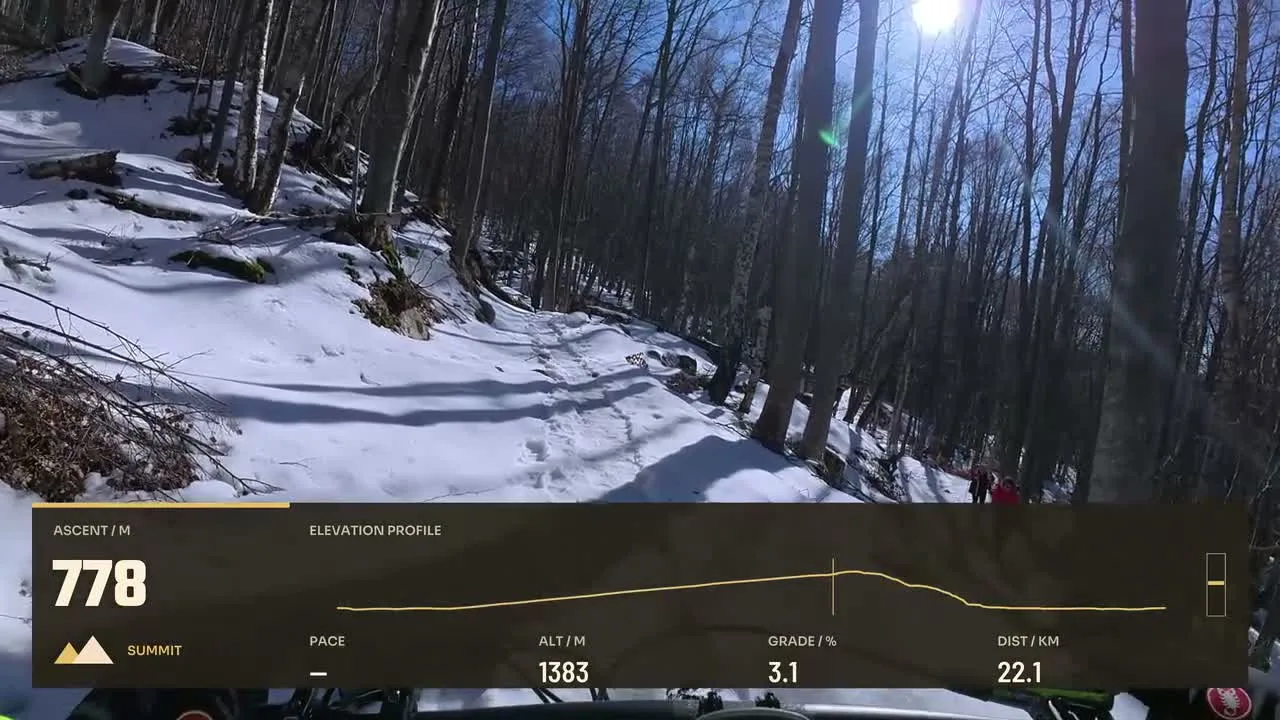
Give viewers a sense of place with a route alongside the footage. Compare editable designs with a route map, including cycling and trail layouts with supporting telemetry.
Layouts by Movaro and the community · Every layout is free to install
Movaro didn’t open? Get Movaro (opens in a new tab), then return here and click Install again.
Movaro didn’t open? Get Movaro (opens in a new tab), then return here and click Install again.
Every layout is free to install. A Creator label means the design uses premium elements. The data you can show depends on what your activity recorded.
A route can help viewers understand where a turn, climb or section of footage sits within an activity. These selected layouts contain a route element. Cycling Routecast pairs it with speed and distance; Trail Traverse places the route alongside terrain information.
Use an activity with recorded location data and check the map at the final viewing size. Keep it large enough to read, but leave room for the footage. If you share a video publicly, consider whether the displayed route includes a location you would prefer to keep private.
Layouts grouped by activity and by what they show.
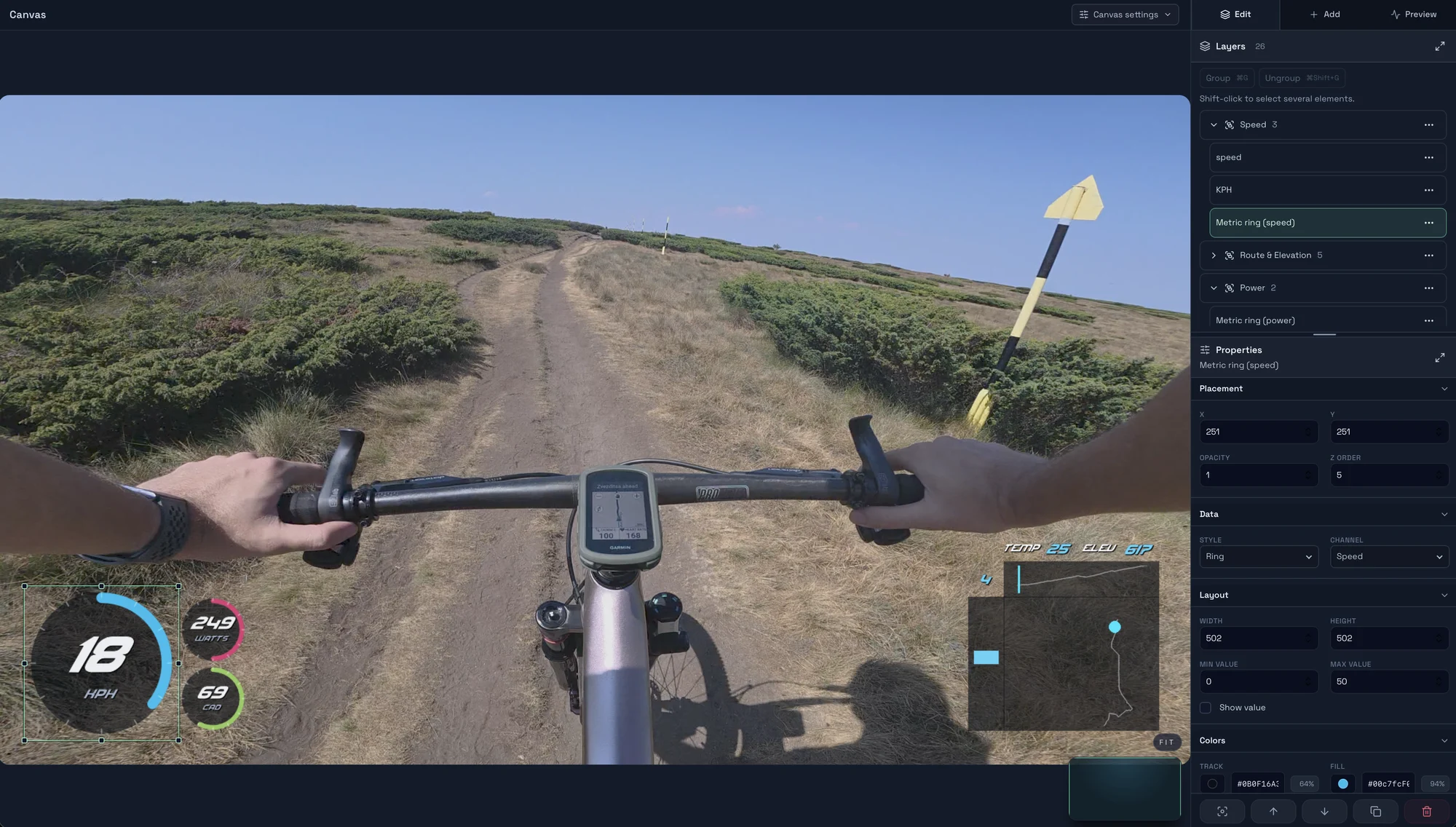
Start with a timed GPX, FIT, TCX or Strava activity, add a matching clip, check the live overlay, and export your first short video in Movaro.
Explore layouts for rides, runs and trail videos, compare formats, and turn a design you like into your own reusable overlay.
Prepare activity overlays for your video editor with live previews, transparent video, chroma-key backgrounds or a fill-and-matte pair.