Trail Ridgeline
By Movaro · Trail & climbing Official layout · Creator planMovaro didn’t open? Get Movaro (opens in a new tab), then return here and click Install again.
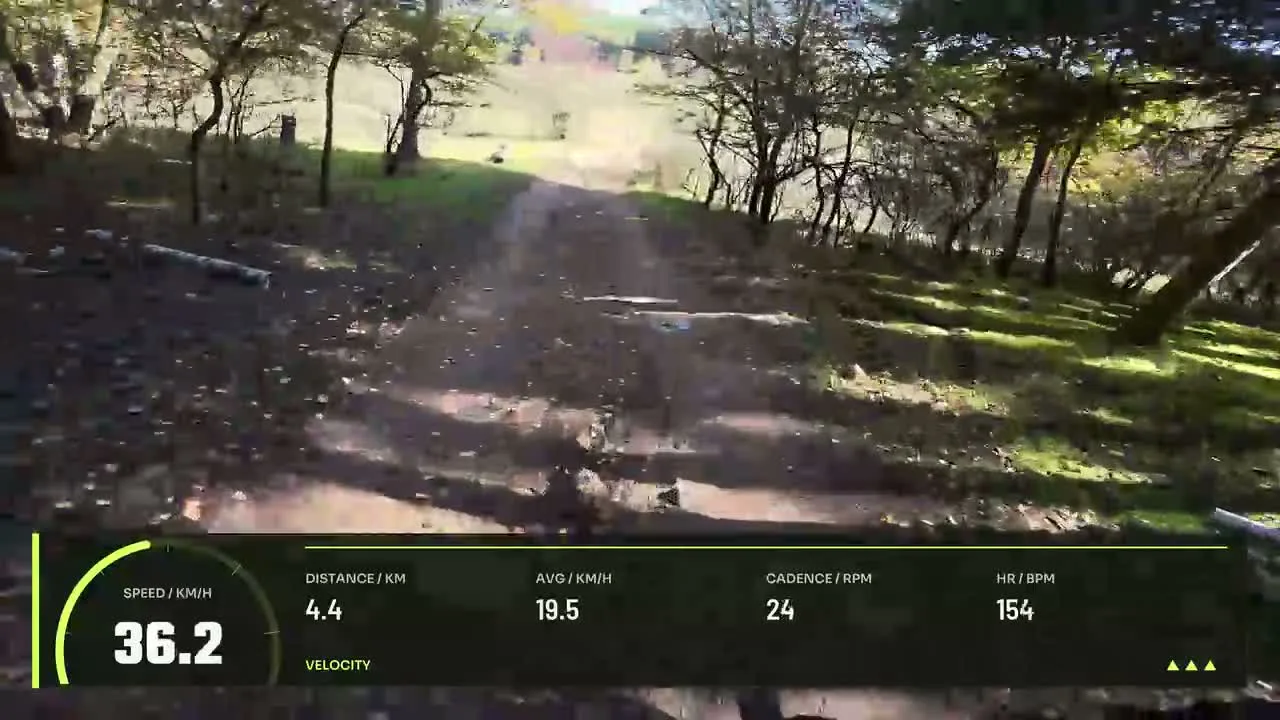
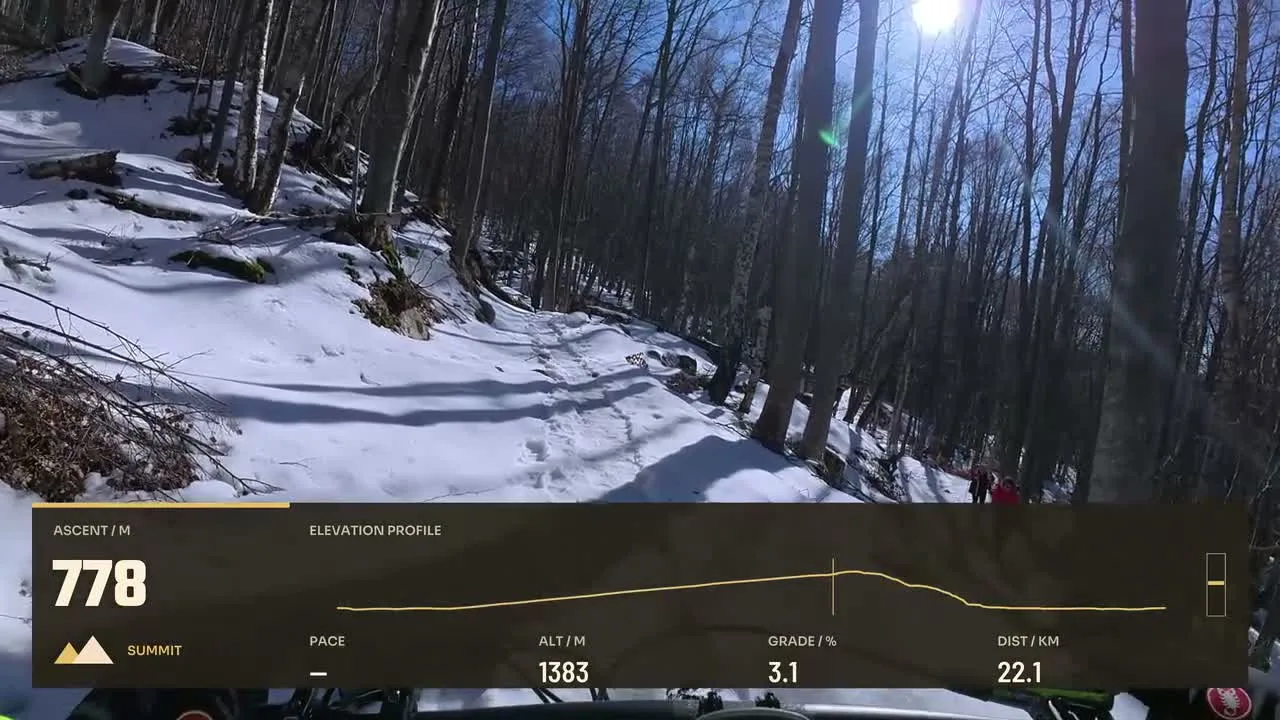
Show the terrain behind the effort with editable trail layouts featuring elevation, ascent and gradient. Compare designs that leave space for the landscape while putting the climb in context.
Layouts by Movaro and the community · Every layout is free to install
Movaro didn’t open? Get Movaro (opens in a new tab), then return here and click Install again.
Movaro didn’t open? Get Movaro (opens in a new tab), then return here and click Install again.
Movaro didn’t open? Get Movaro (opens in a new tab), then return here and click Install again.
Every layout is free to install. A Creator label means the design uses premium elements. The data you can show depends on what your activity recorded.
Elevation shows height, ascent describes accumulated climbing, and gradient describes the slope at a point in the activity. Choose the combination that explains your footage. A profile can give the viewer context that a single number cannot, while a compact readout keeps more of the landscape visible.
Check your recording before relying on a terrain measurement. Noisy or incomplete activity data will affect what the overlay can show. Preview against both open landscapes and darker wooded sections, then adjust the design for readability.
Layouts grouped by activity and by what they show.
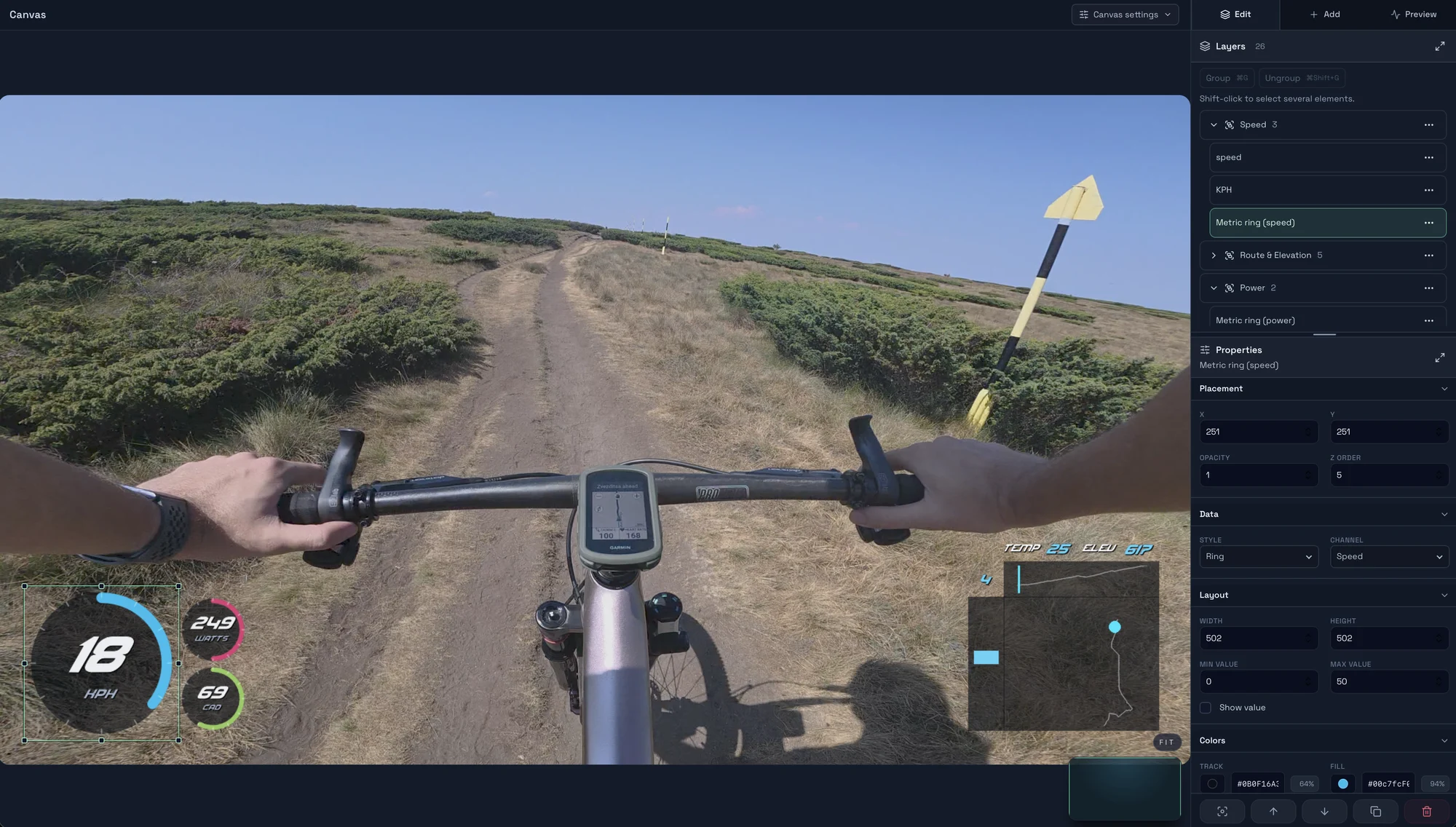
Start with a timed GPX, FIT, TCX or Strava activity, add a matching clip, check the live overlay, and export your first short video in Movaro.
Explore layouts for rides, runs and trail videos, compare formats, and turn a design you like into your own reusable overlay.
Prepare activity overlays for your video editor with live previews, transparent video, chroma-key backgrounds or a fill-and-matte pair.