Indoor Control Room
By Movaro · Indoor training Official layout · Creator planMovaro didn’t open? Get Movaro (opens in a new tab), then return here and click Install again.
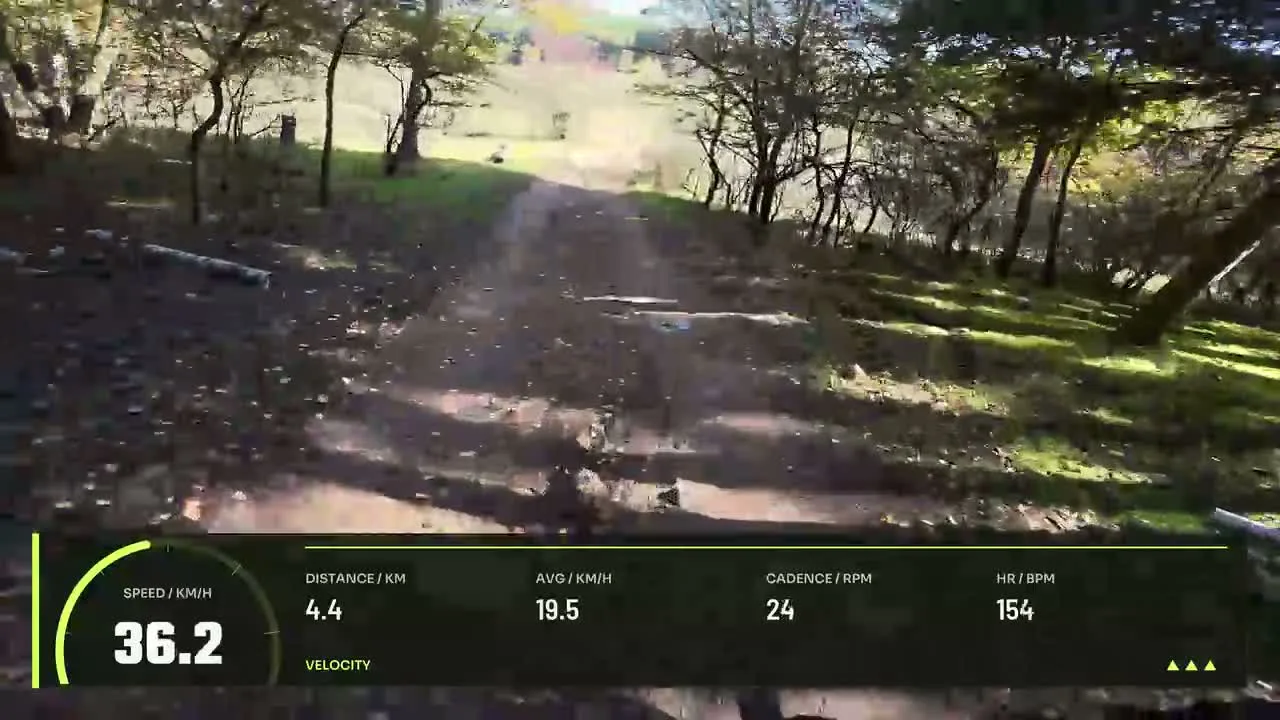
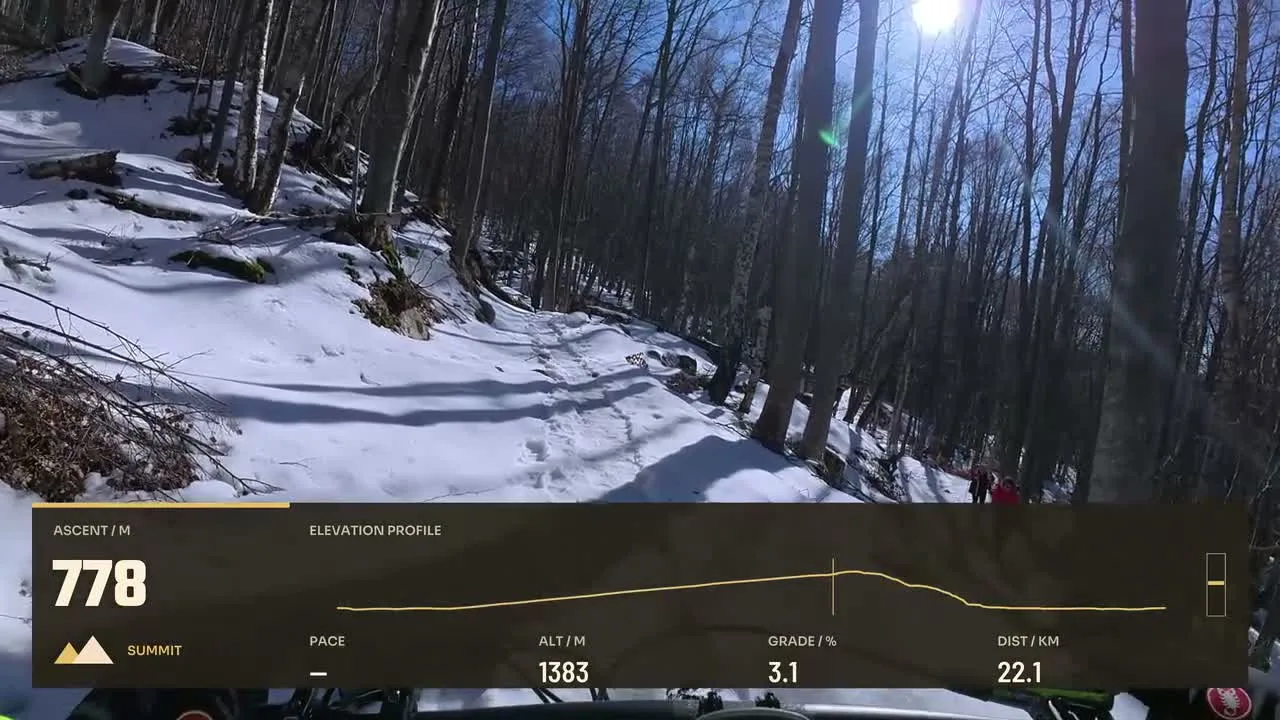
Add recorded power, cadence and heart rate to indoor training footage. Explore layouts that emphasize effort and consistency when a route map is not the main story.
Layouts by Movaro and the community · Every layout is free to install
Movaro didn’t open? Get Movaro (opens in a new tab), then return here and click Install again.
Movaro didn’t open? Get Movaro (opens in a new tab), then return here and click Install again.
Every layout is free to install. A Creator label means the design uses premium elements. The data you can show depends on what your activity recorded.
Power, cadence and heart rate can give an indoor session useful context. Pick a compact design for a short edit or a layout with graphs when changes over time matter. These designs depend on the channels available in the activity you import; the layout itself does not connect to a trainer or create sensor readings.
Preview the design over your actual camera framing. Keep faces, hands and equipment clear where they matter, and choose a format that fits the finished video.
Layouts grouped by activity and by what they show.
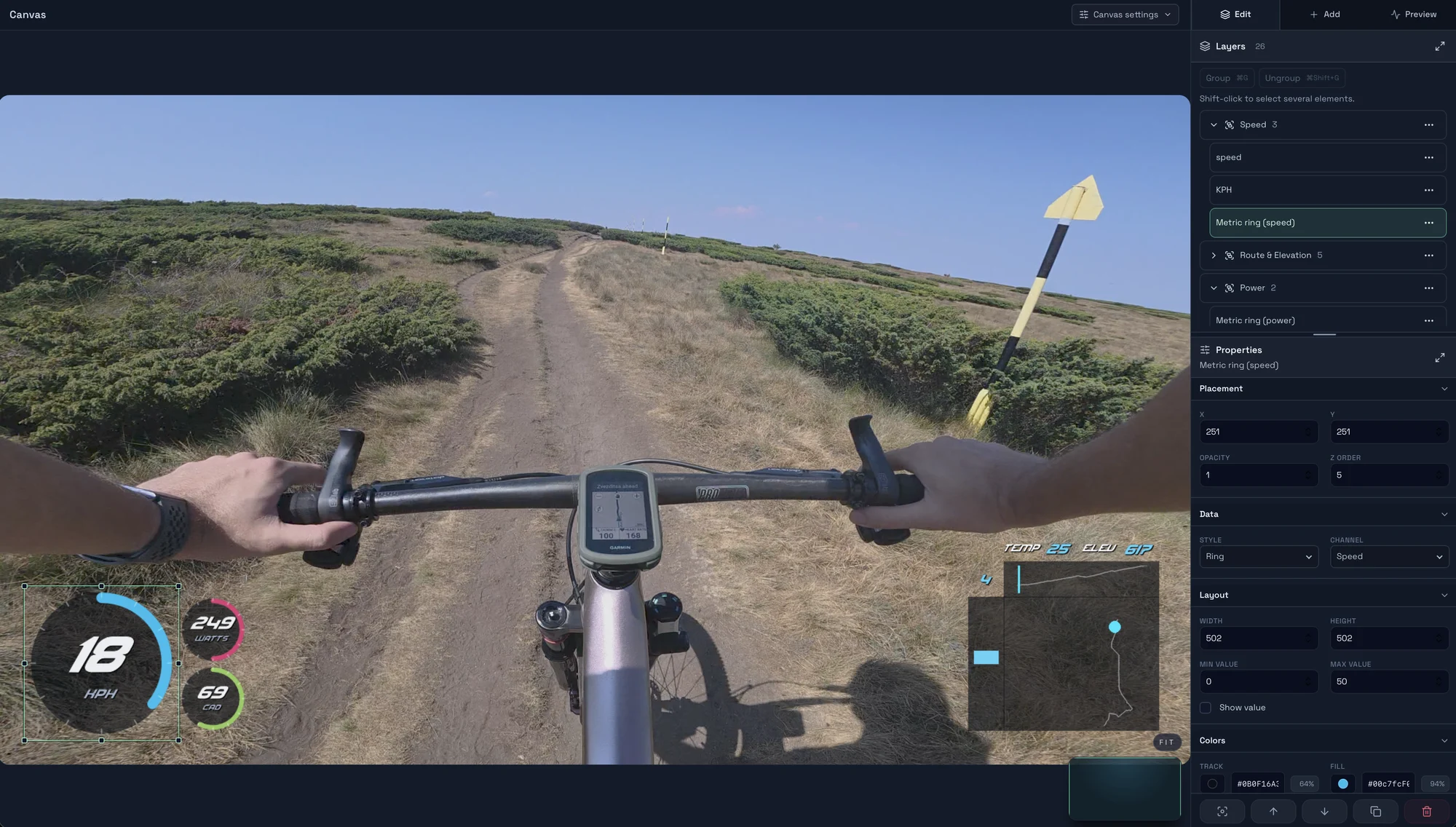
Choose a GPX, FIT, TCX or Strava activity, check its sessions and sensors, trim the right time range, and verify the data against your footage in Movaro.
Start with a timed GPX, FIT, TCX or Strava activity, add a matching clip, check the live overlay, and export your first short video in Movaro.
Explore layouts for rides, runs and trail videos, compare formats, and turn a design you like into your own reusable overlay.