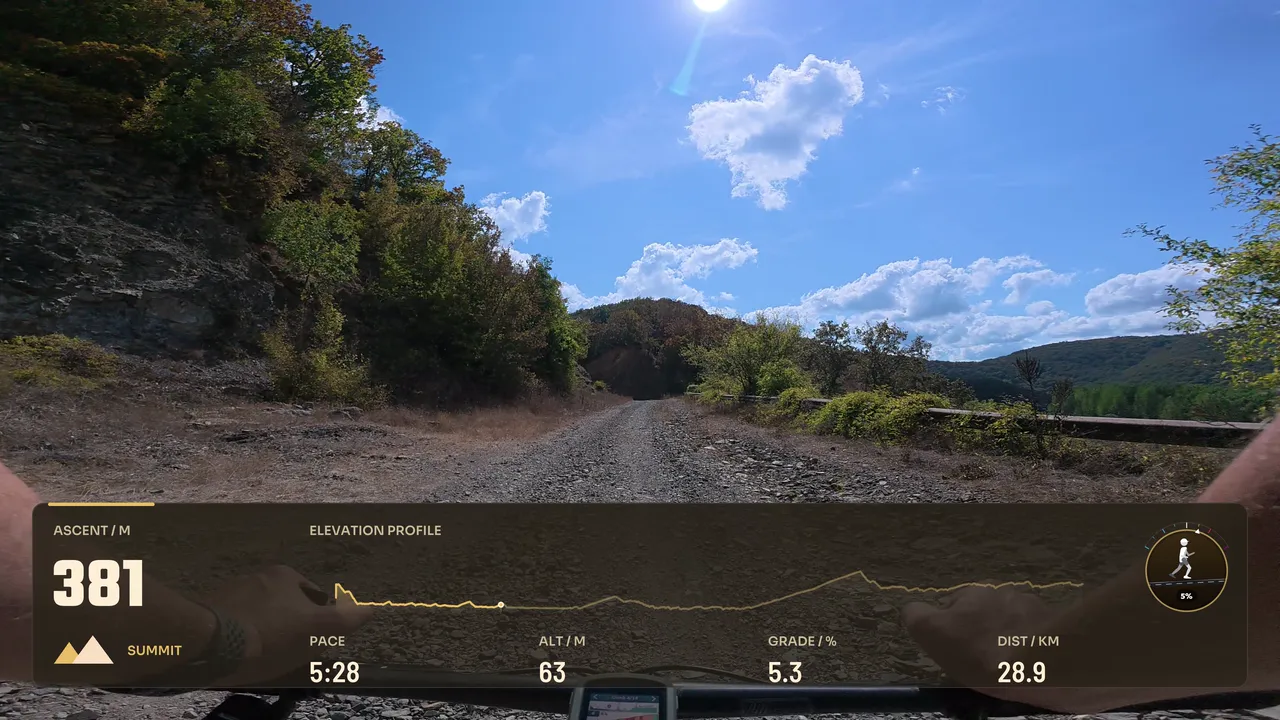
Top View Close Satellite
By Movaro · Multisport Official layout · Creator planMovaro didn’t open? Get Movaro (opens in a new tab), then return here and click Install again.
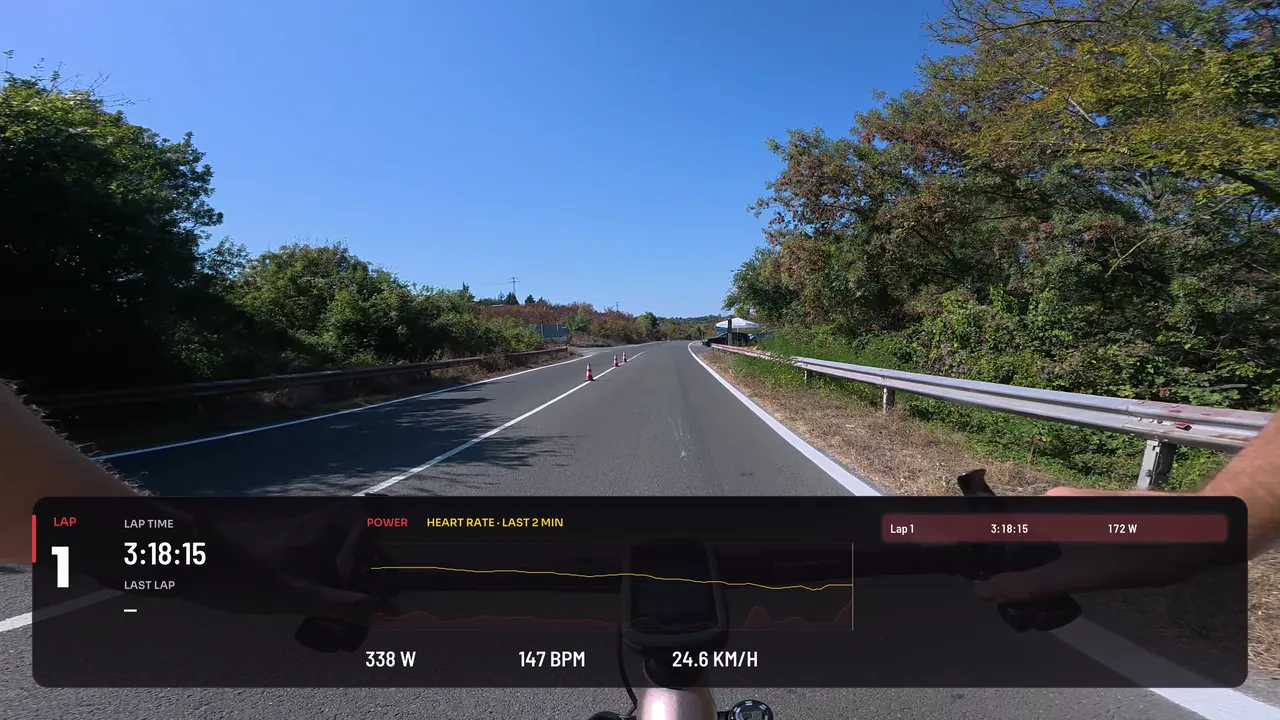
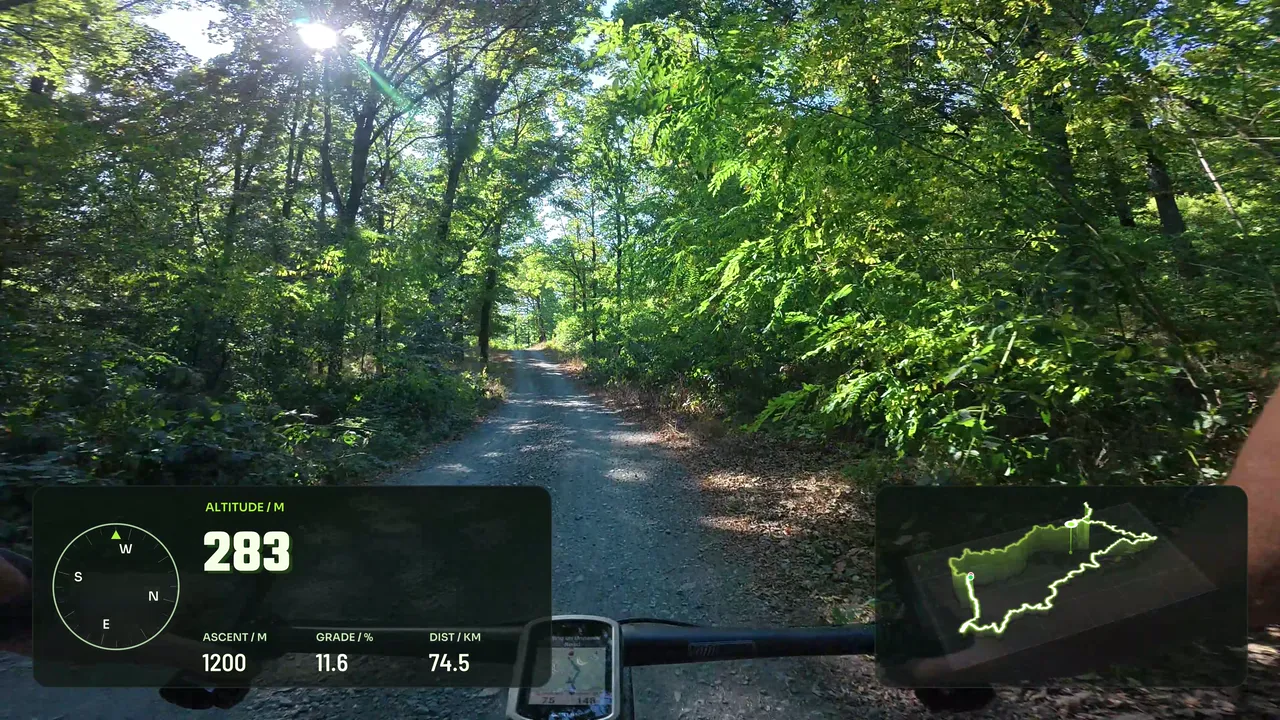
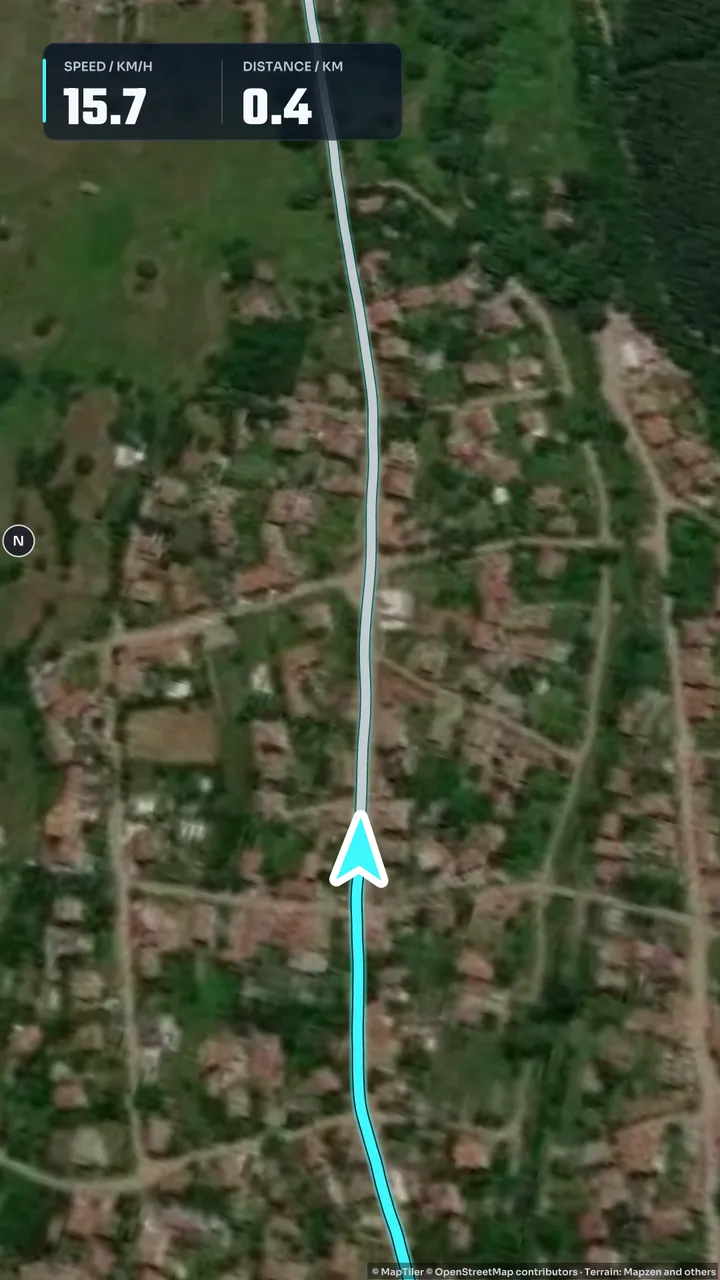
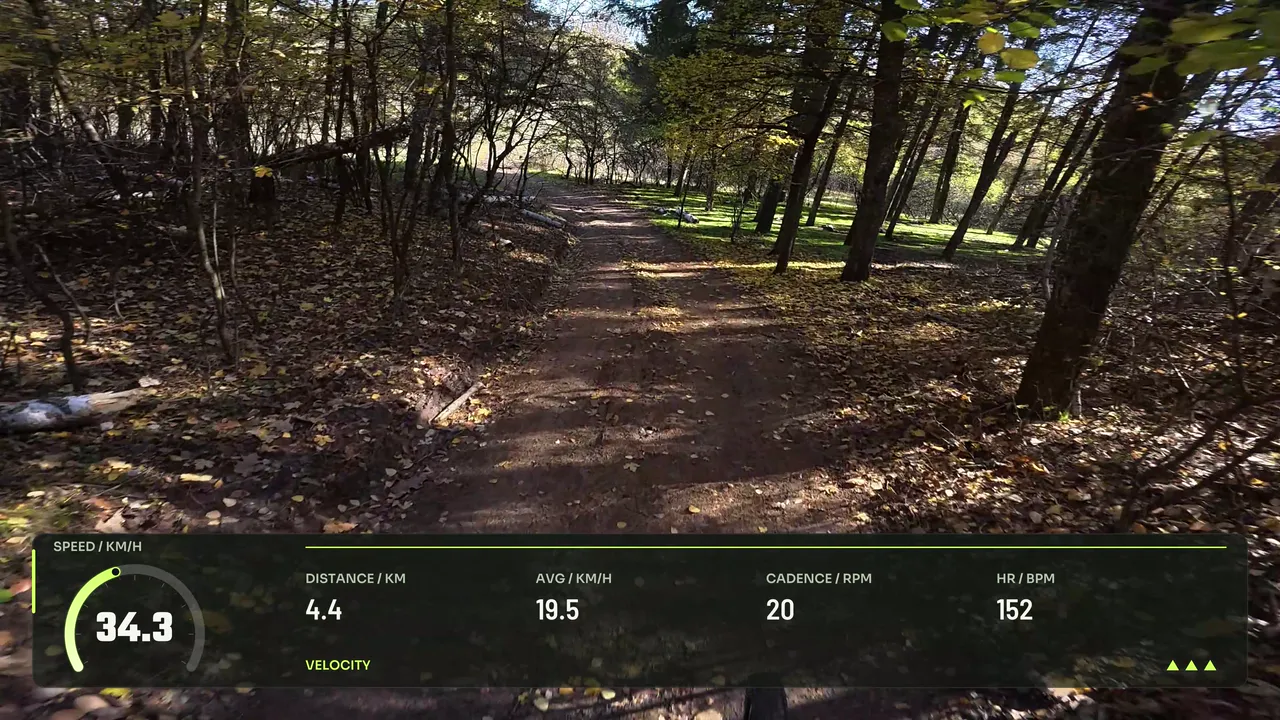
Layouts made for the Route flyover in Movaro, a short video that follows your activity along its route. Each one has a route map that shows the rider moving along it.
Layouts by Movaro and the community · Every layout is free to install
Movaro didn’t open? Get Movaro (opens in a new tab), then return here and click Install again.
Movaro didn’t open? Get Movaro (opens in a new tab), then return here and click Install again.
Movaro didn’t open? Get Movaro (opens in a new tab), then return here and click Install again.
Movaro didn’t open? Get Movaro (opens in a new tab), then return here and click Install again.
Movaro didn’t open? Get Movaro (opens in a new tab), then return here and click Install again.
Movaro didn’t open? Get Movaro (opens in a new tab), then return here and click Install again.
Movaro didn’t open? Get Movaro (opens in a new tab), then return here and click Install again.
Movaro didn’t open? Get Movaro (opens in a new tab), then return here and click Install again.
Every layout is free to install. A Creator label means the design uses premium elements. The data you can show depends on what your activity recorded.
A Route flyover plays the trimmed activity back in 30, 45 or 60 seconds, so the map carries most of the video. Every layout here has a route map that shows the rider moving along the route, and its creator marked it as made for flyovers. A 3D map with a Chase or Rider View camera travels with the rider; a map of the whole route keeps all of it in view.
At flyover speed the numbers change quickly. A few large readings, such as speed, distance and altitude, are easier to follow than a detailed training panel, and an elevation profile shows where the climbs fall along the route. Each aspect ratio is its own layout, so check the format you plan to share.
Use an activity with recorded location data. If you share the video publicly, consider whether the route shows a place you would prefer to keep private.
Layouts grouped by activity and by what they show.
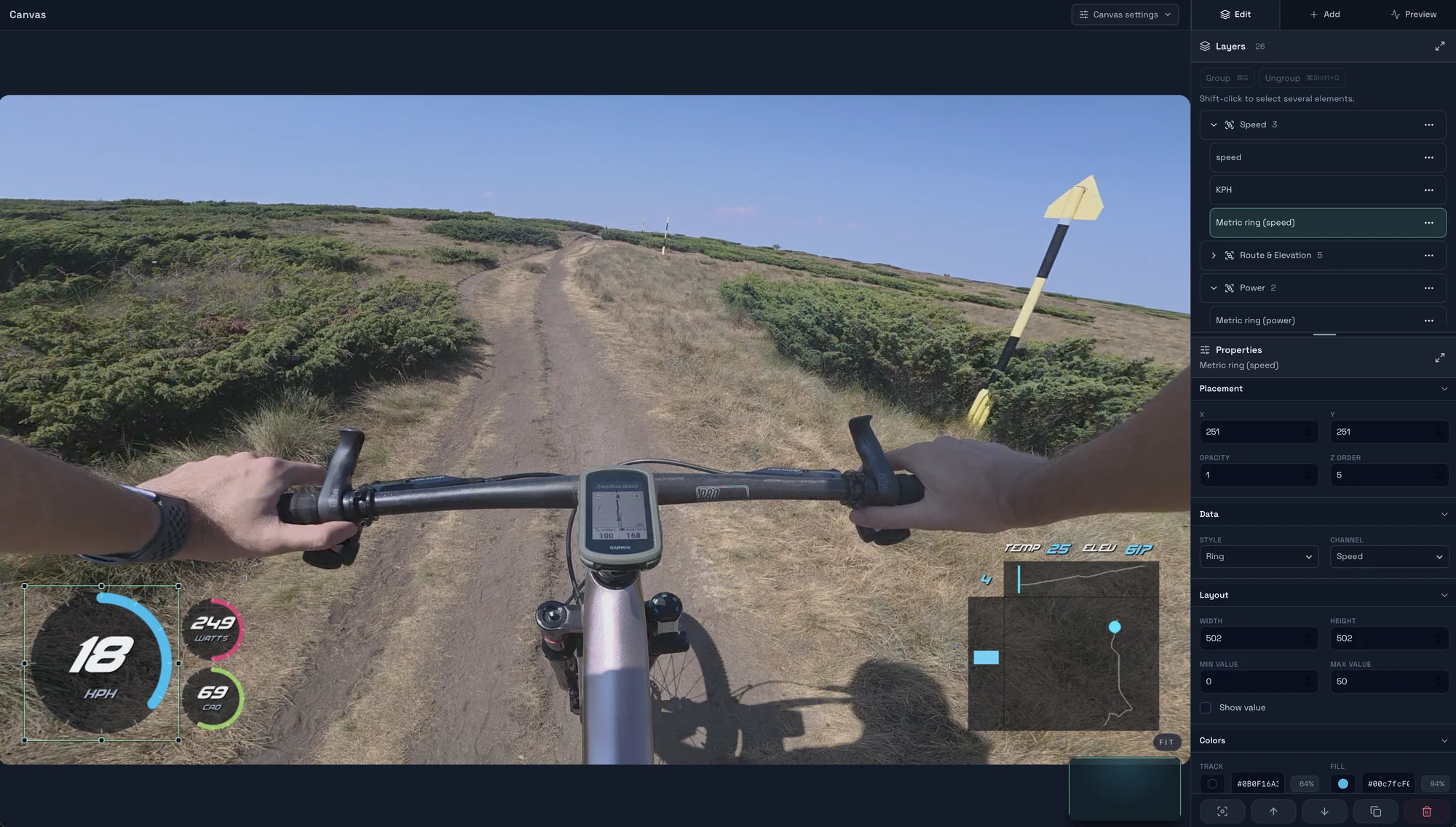
Explore layouts for rides, runs and trail videos, compare formats, and turn a design you like into your own reusable overlay.